How One File in Your Project Root Changes Everything About AI Coding
One file in your project root. Ten minutes to set up. The difference between an AI that knows your codebase and one that thinks every project uses Redux. Here's the exact setup for Claude Code, Cursor, Windsurf, and Copilot.
Part 2 of 6 in the “Context Engineering in 2026” series
In Part 1, we established that context engineering is the difference between telling your AI the address and giving it turn-by-turn directions every single time. Now let's actually set up the address book.
This post is a hands-on setup guide. By the end of it, you'll have a working context engineering setup in your IDE of choice, a strategy for managing multiple client projects without context contamination, and a flywheel that makes your AI assistant smarter every week without you doing anything extra.
No theory. Just configs, templates, and the stuff you can steal.
Context Seeds: Your AI's Cheat Sheet
A context seed is a file (or set of files) that lives in your project root and tells your AI coding assistant how to behave in this specific project. Think of it as a cheat sheet for a very smart but very forgetful collaborator who joins your team fresh every single morning with zero memory of yesterday.
Write it like that. Not a love letter to your codebase. Not a novel. A cheat sheet.
The file name depends on your IDE:
Claude Code uses CLAUDE.md — Anthropic's native format. It supports a three-tier hierarchy: a global ~/.claude/CLAUDE.md for your personal standards, a project-root CLAUDE.md for project-specific context, and subdirectory CLAUDE.md files for module-specific rules. Claude Code also supports a skills and hooks system for more advanced automation.
Cursor has evolved its approach. The old .cursorrules file is deprecated — the new system uses .cursor/rules/ with individual .mdc files. Each rule file can be set to "always apply" (loaded every time), "auto-attached" (triggered by glob patterns matching specific file types), or "manual" (invoked explicitly). This is more granular than a single monolithic rules file.
Windsurf (now owned by Cognition AI after a ~$250M acquisition) takes a different approach with its Cascade engine. It maintains multi-layer context and — here's the killer feature — persistent Memories that survive across sessions. If you told Windsurf last Tuesday that you prefer Zod over Yup, it remembers on Friday. This is the closest any IDE has come to solving the "goldfish amnesia" problem from Part 1.
GitHub Copilot uses .copilot-instructions.md at the repository level, with support for path-specific instructions and organization-wide defaults. VS Code's official documentation now includes a full "context engineering flow" guide.
AGENTS.md is the emerging cross-tool universal standard — essentially a "README for robots." Supported by Cursor, GitHub Copilot, Zed, OpenCode, and growing. If you want one file that works everywhere, this is your safest bet.
What Goes In Your Seed File
Here's where most guides get vague. They'll say "put your architecture in there" and leave you staring at an empty file wondering where to start. So let me be specific.
Your seed file should contain high-signal information — the stuff that, if the AI doesn't know it, will cause it to produce wrong or generic output. Not everything. Not a dump of your entire project documentation. The minimum viable context that prevents the most common mistakes.
Architecture patterns — How do your components communicate? Where does business logic live? This prevents the AI from suggesting event-driven patterns in your monolithic app, or sticking Redux into your Zustand project, or creating a REST endpoint when your entire API is GraphQL.
## Architecture
- Monorepo with pnpm workspaces: packages/ui, packages/api, apps/web
- API: tRPC router with Zod schemas, NOT REST
- State management: Zustand stores, NOT Redux
- Data fetching: React Query with tRPC hooks
Coding standards — What libraries do you use, and more importantly, what libraries should the AI never suggest? What are your testing requirements? What's your error handling pattern? Be explicit about the "not" — negative instructions are some of the most effective tokens you can spend.
## Standards
- Validation: Zod (never Yup, never Joi)
- Components: functional only, no class components
- Styling: Tailwind utility classes, no CSS modules, no styled-components
- Testing: Vitest + Testing Library, aim for 80%+ coverage
- Error handling: Result pattern (neverthrow), no try-catch in business logic
- Imports: use @/ path aliases, no relative imports beyond ../
Business domain context — This one is underrated. When your project uses the word "Revenue," does that mean gross revenue, net revenue, or ARR? When the AI sees "Customer," is that an end-user, a B2B client, or a tenant in your multi-tenant system? Document your domain's specific definitions so the AI doesn't make assumptions.
## Domain
- "Merchant" = our client (B2B), not the end consumer
- "Settlement" = the process of transferring funds from escrow to merchant
- "Order" has 7 states: draft → pending → confirmed → processing → shipped → delivered → completed
- Prices are stored in cents (integer), displayed in dollars (formatted)
Entity resolution — If your codebase has services that go by multiple names (the Jira project is called "Payments," the repo is pay-svc, the team calls it "the money thing"), map them. This prevents the AI from creating duplicate implementations or referencing the wrong service.
## Entity Map
- "Payments API" = "PaySvc" = "pay-service" repo = the money thing
- "User Service" = "AuthSvc" = handles both auth AND user profiles
The Context Flywheel: Your Seed Gets Smarter Over Time
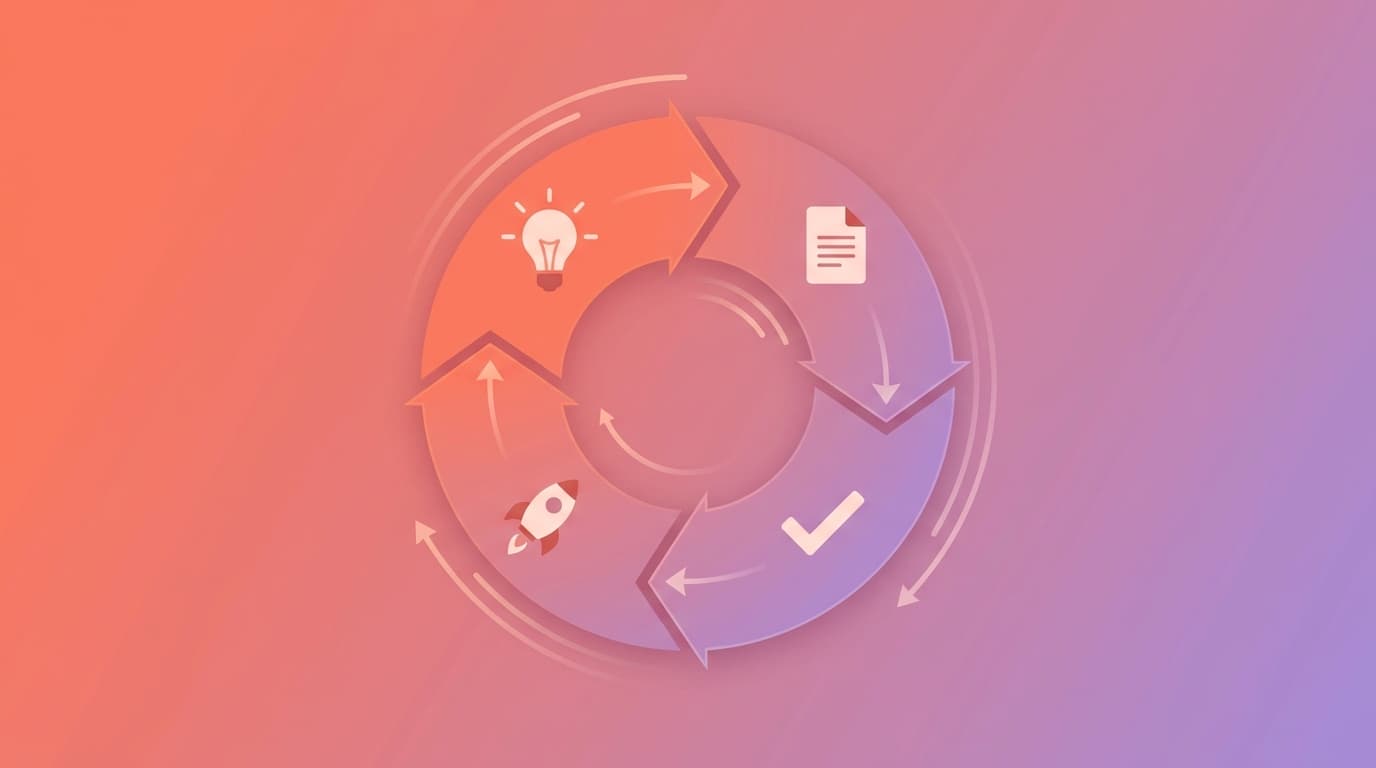
Here's where context engineering becomes genuinely powerful instead of just "a nice config file." The flywheel works like this:
1. You work with AI, and it produces something great — a pattern that works, a test structure you like, an error handling approach that fits your project.
2. You document that success back into your seed file: "When writing API handlers, follow this pattern: [example]."
3. You work with AI, and it produces something terrible — a pattern that breaks, a library suggestion that conflicts, an approach that doesn't fit your architecture.
4. You document that failure: "NEVER use [pattern] because [reason]."
5. Your seed file gets richer. Your AI gets better. Repeat.
This is what the literature calls the "context flywheel" — a self-reinforcing loop where your context seed evolves from a basic cheat sheet into a comprehensive project constitution. Teams running this loop for 3-4 months report their AI-generated code arriving 40-60% more compliant with project standards, which means dramatically fewer review comments, less rework, and less of that special frustration that comes from explaining the same thing to your AI assistant for the dozenth time.
The key insight: treat your seed file as infrastructure, not documentation. Documentation is something you write once and forget. Infrastructure is something you maintain because everything depends on it.
Managing Multiple Projects (The Freelancer's Nightmare)
If you work on one project, the setup above is all you need. If you're a freelancer or a developer juggling 2-3 client projects simultaneously — welcome to context isolation hell.
The rule is simple: each project gets its own seed file, and context must never bleed between them. Client A's React codebase should never influence suggestions in Client B's WordPress project. Client C's healthcare compliance rules should never appear in Client D's casual gaming app.
The good news: this is how these tools are designed to work. Your CLAUDE.md lives in the project root — when you cd into a different project, Claude Code reads that project's CLAUDE.md instead. Same with .cursor/rules/ and .copilot-instructions.md.
The bad news: muscle memory. You'll copy-paste patterns from one project into another project's AI session without thinking. You'll have tabs open for three projects and type a prompt in the wrong one. You'll ask the AI to "do it the same way we did the auth" and it'll pull from the wrong project's memory.
Practical tips for multi-project context isolation:
Keep a clean separation of terminal sessions — one terminal per project, clearly labeled. In Claude Code, start a new session when switching projects (/clear is your friend). In Cursor, use workspace-specific rule files so each project's .cursor/rules/ is completely independent.
If you find yourself copying the same standards across multiple projects (your personal coding preferences, your Git workflow, your testing philosophy), that's what the global/personal layer is for. In Claude Code, put those in ~/.claude/CLAUDE.md. In Copilot, use the personal instructions layer. Project-specific seed files should only contain what's unique to that project.
Quick Reference: What Goes Where
- Your personal coding preferences — All projects →
~/.claude/CLAUDE.mdor personal settings - Project architecture, tech stack — This project only →
CLAUDE.md/.cursor/rules/project.mdc/AGENTS.md - Module-specific patterns — One directory → Subdirectory
CLAUDE.mdor glob-matched.mdc - "Never do X because Y" rules — This project only → Project seed file
- Domain terminology — This project only → Project seed file
- Successful patterns to reuse — This project only → Project seed file (flywheel!)
Supercharging With Superpowers
If you want to go beyond a passive seed file and into active methodology enforcement, take a look at Superpowers — an agentic skills framework (134K+ GitHub stars, and growing) that essentially gives your coding agent a structured development workflow as composable "skills."
What makes Superpowers interesting for solo devs: the skills trigger automatically based on what you're doing. Start talking about building a feature? The brainstorming skill activates — it asks you clarifying questions, explores alternatives, and produces a design document for your approval before any code is written. Approve the design? The planning skill breaks it into bite-sized tasks with exact file paths and verification steps. Say "go"? The subagent-driven development process kicks in with TDD enforcement, code review, and verification.
You don't invoke any of this manually. Your agent just... has Superpowers. It works across Claude Code, Cursor, Codex, Gemini CLI, and Copilot. Install it once, and your agent stops being a code generator and starts being a disciplined engineering partner.
For the solo freelancer juggling multiple projects, Superpowers is particularly useful because the methodology stays consistent regardless of tech stack. Whether you're building a React SPA or a Django backend, the brainstorm → plan → implement → review → verify cycle is the same. The AI learns discipline, and you get consistent quality across all your projects.

The Anti-Patterns (What NOT to Do)
Before we move on, let's name the mistakes that burn tokens and produce garbage — because you're probably making at least two of these right now:
Context overload — Copy-pasting entire files, full chat histories, and complete documentation into conversations. The AI's attention is finite. Flooding it with everything is like giving someone a 500-page manual when they asked what time the meeting starts. Be surgical.
Using premium models for everything — Running Claude Opus for formatting text or generating basic test data is like hiring a neurosurgeon to apply a band-aid. Use Haiku or Sonnet for simple tasks. Save Opus for complex architecture decisions and novel problem-solving. Your token budget will thank you.
Starting fresh every time — No memory, no continuity. Every session begins from scratch. This is the problem context seeds solve, but you actually have to create the seed file. Having read this far and not created one yet? Go do it. I'll wait.
No constraints in your prompts — Telling the AI what to do without telling it what NOT to do. Negative instructions are some of the highest-value tokens you can spend. "Never use class components" is worth more than three paragraphs explaining why functional components are preferred.
In the next post, we break out of the solo developer bubble. Context engineering isn't just for people who write code — and the biggest productivity gains happen when PM, QA, and SA are all contributing to the context system. That's where it gets interesting.
Next up: Part 3 — Context Engineering Is a Team Sport — how PMs contribute project context, QA engineers build test context, and solution architects define the project constitution that keeps everything on track.