The Goldfish Problem: Why Your AI Forgets Everything the Moment You Close the Tab

You've typed your tech stack into Claude for the 47th time this month. There's a name for what you should be doing instead — and it changes everything about how you work with AI.
Part 1 of 6 in the “Context Engineering in 2026” series
It's 11:17 PM. You open Claude Code. You type:
"We're using Next.js 16 with the App Router, Tailwind CSS, our API uses tRPC with Zod validation, we're in a pnpm monorepo, the auth is handled by NextAuth with a custom adapter, and the database is PostgreSQL with Drizzle ORM. The component library is shadcn/ui. Please don't use the pages router. Also, we use conventional commits."
You've typed this exact paragraph — or something painfully close — every single day this week. Maybe this month. You and your AI coding assistant have been in a relationship for months, and it still doesn't remember your name.
Sound familiar? Then congratulations: you've been doing prompt engineering. What you should be doing is context engineering. And the difference between the two is roughly the same as between giving someone directions every time they visit your house versus just... texting them the address.
The 70% Problem Nobody Talks About
Here's a stat that should make every engineering team uncomfortable: most AI failures aren't model failures — they're context failures. The model is smart. You're just feeding it garbage context, or no context at all, or the same context on repeat because it forgot everything the moment you closed the browser tab.
The term "context engineering" gained traction in mid-2025 when Shopify's CEO Tobi Lütke dropped a now-famous tweet: he preferred "context engineering" over "prompt engineering" because it better described the core skill — providing all the context needed for the task to be plausibly solvable by the LLM. Andrej Karpathy doubled down on the concept, comparing the LLM's context window to RAM: a finite resource you need to manage deliberately, not just stuff full of text and hope for the best.
By early 2026, Anthropic, LangChain, GitHub, and Martin Fowler's team at Thoughtworks had all published official guides. Context engineering wasn't a buzzword anymore — it was the discipline that separated teams getting real productivity gains from teams still copy-pasting the same setup instructions into chat windows every morning.
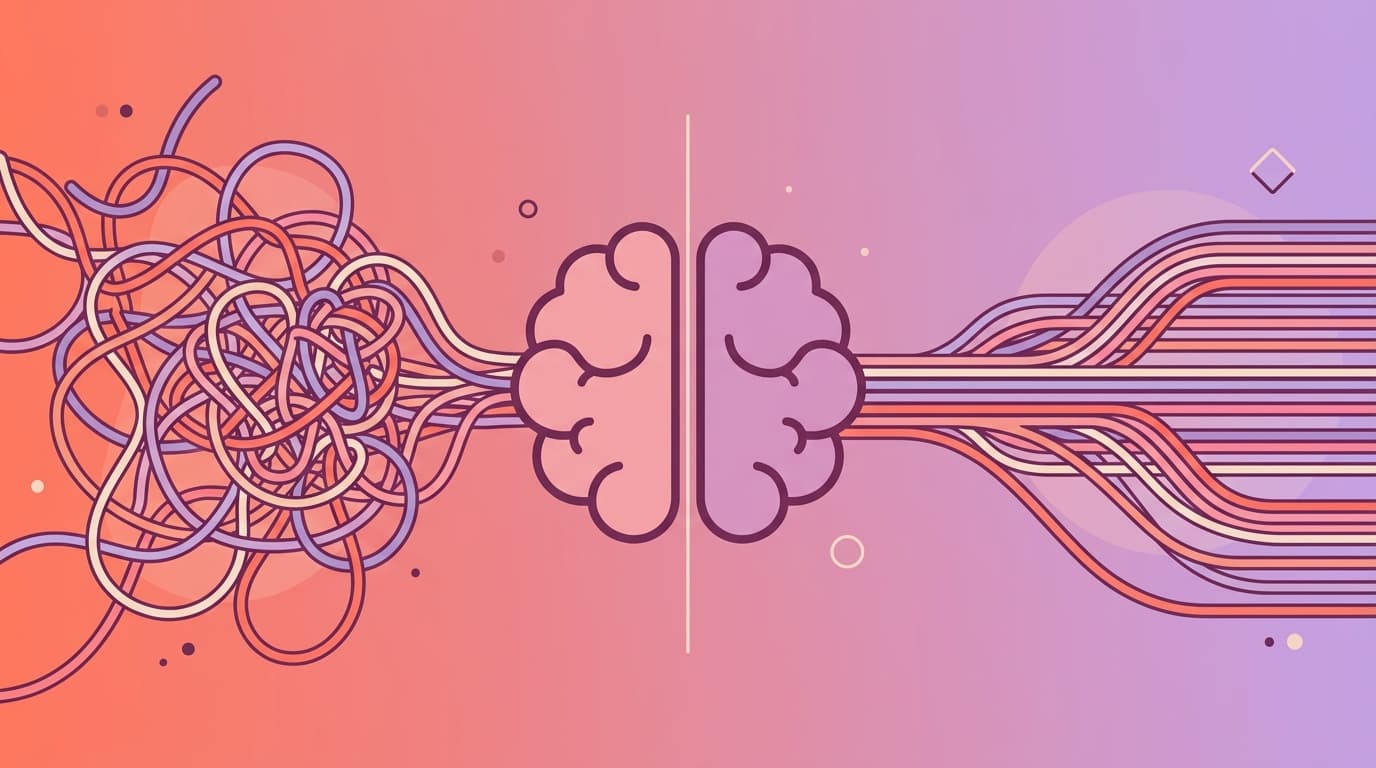
So What Actually IS Context Engineering?
Let's kill the jargon. Context engineering is the practice of systematically managing the information environment around your AI interactions so the AI consistently produces useful, accurate, project-specific output — without you having to re-explain your entire codebase every time.
It's not a single file or a clever prompt. It's a system. Think of it as the difference between a prompt (a request — "build me a house") and context (the full blueprint — floor plan, materials, building codes, budget, timeline, constraints). Good prompts help. Blueprints make work reliable and repeatable.
There are three types of context that matter:
Persistent context is the stuff that's always true about your project: your architecture, your tech stack, your coding standards, your business rules. This is the "who are you and how do you do things" layer. It changes slowly — maybe once a quarter when you adopt a new library or refactor a pattern.
Episodic context is the project's history: decisions made, features shipped, bugs discovered, architectural choices and why they were made. This is the "institutional memory" layer. When a new developer joins, this is what they spend their first week trying to absorb from wiki pages and Slack threads.
Transient context is the current task: the Jira ticket, the code you're looking at right now, the test that's failing. This changes every hour. It's what most people think of as "the prompt" — but without persistent and episodic context surrounding it, the AI is basically improvising.
The magic happens when all three layers work together. The AI knows your architecture (persistent), understands why the payments module was built that way (episodic), and can see the specific bug you're trying to fix (transient). That's when it stops being a fancy autocomplete and starts being a genuine collaborator.

The Mindset Shift: From Doer to Director
This is the part that trips up most developers, especially experienced ones. Context engineering requires a fundamental shift in how you think about your role.
In the old world, your job was execution — you write the code, you fix the bugs, you build the features. In the context engineering world, your job shifts to orchestration — you design the context, you curate the information, you validate the output.
The success formula looks something like this: Mindset × Context Engineering × Technique. You can have the best prompt templates in the world (technique), but if you're still thinking like an executor instead of a director (mindset), and you haven't set up your context infrastructure (context engineering), you'll keep getting mediocre results.
Real-world data from teams that have made this shift shows 30-50% time savings on mid-sized features (2-3 API endpoints, 3-4 UI screens). Not because the AI writes perfect code — it doesn't — but because effort shifts from writing to reviewing and refining. Less boilerplate. Less repetition. More time for architecture, design, and the genuinely hard problems that require human judgment.
Why This Series Exists
Here's the thing that bothers me about most context engineering content: it's written by tool vendors explaining their product, or by Silicon Valley engineers optimizing their personal workflow. Nobody's writing about what happens when context engineering meets the reality of a team — where the PM needs sprint summaries, the QA engineer needs test scenarios, the solution architect needs to enforce coding standards, and the developer just wants their AI to stop suggesting the pages router when they've told it 47 times that they use the App Router.
This 6-part series is about that reality. Here's what's coming:
Part 2 covers the solo developer's context engineering starter kit — practical setup across Claude Code, Cursor, Windsurf, and Copilot, with real configurations you can copy today.
Part 3 is the deep dive: context engineering isn't just for developers. PMs, QA engineers, solution architects — everyone on the team has a role to play. This is the post nobody else has written.
Part 4 compares the frameworks — OpenSpec, Spec-Kit, BMAD Method, Superpowers, ClaudeKit — with honest opinions about when to use what.
Part 5 walks through the complete lifecycle — brainstorm, plan, implement, validate, and the security step that most AI workflows skip entirely.
Part 6 closes with harness engineering: how to validate that your context engineering is actually working, not just vibing.
Your One Action Item (Try This Now!)
Before you read another word of this series, do this: create a context seed file in your project root. If you use Claude Code, name it CLAUDE.md. If you use Cursor, create .cursor/rules/project.mdc. If you use Copilot, create .copilot-instructions.md. If you want something that works across all tools, create AGENTS.md.
Here's a 10-line starter template that will immediately improve your next AI session:
# Project Context

## Tech Stack
- [Your framework] with [your key libraries]
- [Your package manager] monorepo/workspace structure
- [Your database] with [your ORM]

## Coding Standards
- [Your preferred patterns - e.g., "functional components only, no class components"]
- [Your naming convention - e.g., "camelCase for variables, PascalCase for components"]
- [What NOT to do - e.g., "never use the pages router, never use var"]

## Business Context
- [One sentence about what this project does]
- [One sentence about who the users are]
Fill it in. Save it. Open a new AI session. Ask it to do something. Notice the difference.
That's context engineering. That's the address instead of the directions. And we're just getting started.
Next up: Part 2 — How One File in Your Project Root Changes Everything About AI Coding — a hands-on guide to setting up context seeds across every major AI-powered IDE, managing multiple projects without context bleed, and building the flywheel that makes your AI smarter every week.