The Tools Behind Every AI Workflow That Actually Works
OpenSpec, Spec-Kit, BMAD, Superpowers — the framework landscape is exploding. I've used them all across real projects. Here's which one actually deserves your time, based on how you work.
Part 4 of 6 in the "Context Engineering in 2026" series
By now you're sold on context engineering as a concept. You've got a seed file in your project root. Maybe your PM has started contributing project context. Your QA engineer is cautiously intrigued. The problem is: you Google "context engineering framework" and find approximately 47 options, each claiming to be the one that will transform your workflow. Let me save you the evaluation spreadsheet. I've spent months working with these tools across different projects and team sizes. Here's the honest breakdown — what each one actually does well, where it falls short, and which one you should use based on your situation.
The Spec-Driven Development Frameworks
These are the heavyweight contenders — frameworks that structure how you go from "what should we build?" to "here's the plan the AI can execute." They all solve the same core problem (AI writes better code when given specs instead of vibes), but they disagree on how much process to wrap around it.

OpenSpec — The Lightweight Contender
By Fission AI | 23.8K stars | MIT | Node.js
OpenSpec's philosophy is right there in its manifesto: fluid not rigid, iterative not waterfall, easy not complex. You install it globally (npm install -g @fission-ai/openspec), run openspec init in your project, and you get a new openspec/ folder where specs live as Markdown files organized by capability.
The workflow is elegant: /opsx:new add-dark-mode creates a change proposal. /opsx:ff (fast-forward) generates all planning docs — proposal, specs, design, tasks. /opsx:apply implements the tasks. /opsx:archive stores the completed change for historical reference.
What it does brilliantly: Spec deltas. Every code change produces a corresponding change in requirements. When you open a PR, the reviewer doesn't just see code — they see how the requirements changed. This is huge for teams where client-facing PMs need to understand what changed without reading the diff.
What it struggles with: It's developer-only. There's no PM interface, no QA workflow, no multi-project management. It's brownfield-first by design — great for existing codebases, less opinionated about greenfield structure.
Best for: Experienced teams who want minimal process overhead with a structured planning layer.
GitHub Spec-Kit — The Enterprise Fortress
By GitHub | 68.8K stars | MIT | Python (uv)
Spec-Kit is what you get when GitHub says "we're going to make AI-assisted development serious." The workflow is deliberately heavy: /speckit.constitution → /speckit.specify → /speckit.clarify → /speckit.plan → /speckit.tasks → /speckit.implement. Each phase produces artifacts that feed the next. Phase gates prevent you from jumping ahead.
What it does brilliantly: The constitution concept — a document that captures your project's governing principles. Every subsequent AI interaction must respect it. The /speckit.clarify command forces ambiguity resolution before planning, preventing the classic "built the wrong thing because the spec was vague" problem.
What it struggles with: It's heavyweight. Python + uv dependency is a barrier for non-devs. Rigid phase gates can feel restrictive for small changes.
Best for: Regulated environments, enterprise clients, teams that need guardrails.
BMAD Method — The Team Simulator
Open Source | v6 | Agile-native
BMAD (Build More Architect Dreams) simulates an entire agile team with named AI persona agents — Analyst Mary, PM John, Architect Winston, Scrum Master Bob, Developer Amelia, QA Quinn. Four phases: Analysis → Planning → Solutioning → Implementation.
What it does brilliantly: Agile-native workflows — sprint planning, retrospectives, course correction, adversarial review. The project-context.md concept is well-designed for ongoing projects. The module system is extensible.
What it struggles with: CLI-first (non-tech users can't participate), no Jira/Confluence integration, someone else's roadmap.
Best for: Teams wanting role-based AI agents mimicking their actual team structure.
Superpowers — The Breakout Star
By Jesse Vincent (obra) | 134K stars | MIT | Cross-platform
134K stars in roughly six months. The fastest-growing framework in this space, and for good reason: it solves the problem nobody else addressed — teaching AI agents discipline.
Superpowers is a complete software development methodology delivered as composable "skills" that trigger automatically. You don't invoke anything manually. Start talking about building a feature? The brainstorming skill activates — it asks questions, explores alternatives, presents a design for your validation. Approve the design? Planning breaks work into tasks with exact file paths and verification steps. Say "go"? Subagent-driven development kicks in with TDD enforcement, two-stage code review, and verification-before-completion.
Its description of its own plan quality bar is chef's kiss: "Clear enough for an enthusiastic junior engineer with poor taste, no judgment, no project context, and an aversion to testing to follow."
The subagent isolation is technically elegant: each worker agent receives only the context it needs for its specific task — preventing context window pollution that plagues long development sessions. This directly implements Anthropic's recommended context engineering practice of minimizing the token footprint at each inference step.
What it does brilliantly: Portability. Works across Claude Code, Cursor, Codex, Gemini CLI, OpenCode, and Copilot. Install once, and every AI tool you use gets the same disciplined methodology. Think of it as OpenSpec's planning rigor + BMAD's structured workflow, delivered as plug-and-play skills.
What it struggles with: Developer-focused, no PM/QA workflow, no project management tool integration. Opinionated methodology (enforces TDD, YAGNI, DRY) which some teams may resist.
Best for: Developers who want maximum methodology without learning a new system. If you install one thing from this entire series and want immediate impact, Superpowers is it.
But What About Testers?
Let's be honest: every framework above was built with developers in mind. None of them will have a QA engineer opening a terminal to run /opsx:new. But dismissing them as "dev-only tools" misses real value that testers can extract — you just have to know where to look.
BMAD is the most tester-friendly of the bunch. QA Quinn is a dedicated agent with structured test workflows. But more importantly, BMAD's planning phase produces PRDs and user stories with acceptance criteria that manual testers can use directly as their test basis. If your team adopts BMAD, testers get structured, AI-generated acceptance criteria for free — no extra work required.
Spec-Kit's /speckit.clarify is secretly a QA superpower. The clarification step surfaces ambiguities in requirements before development starts — which is literally what good test analysts do during test planning. A tester participating in the clarification phase catches testability gaps early: "This spec says 'handle edge cases gracefully' — which edge cases? Define gracefully." The constitution can also encode test standards: "All features require edge case coverage for null inputs, boundary values, and concurrent access."
Superpowers enforces TDD, which changes what testers spend time on. When code arrives with unit tests already written and verified, QA stops catching basic logic bugs and starts focusing on what humans do best: integration testing, E2E scenarios, exploratory testing, and the creative "what happens when a user does something nobody expected?" work. That's a quality upgrade for the whole team, not just the dev.
OpenSpec's spec deltas are a regression planning gift. Every PR shows exactly which requirements changed. For a tester planning regression suites, this is gold: "This PR modified session expiration logic → re-test authentication flows, session timeout, and remember-me functionality." No more guessing what to re-test after a release.
The honest gap: delivery format. Testers work in Excel spreadsheets, test management tools (TestRail, Zephyr, qTest), or at minimum structured documents they can share with clients. These frameworks output Markdown files in Git repos. Until someone bridges that gap — and it's a solvable problem — testers will need a translation step. But the content these tools produce (specs, acceptance criteria, requirement changes, validated plans) is exactly the input testers need. The packaging just isn't there yet.
Bottom line for QA leads: don't adopt these frameworks for your testers. Adopt them for your team, and make sure testers have access to the artifacts they produce. The specs, the acceptance criteria, the requirement deltas, the constitution — these are the highest-quality test inputs your QA team has ever had. They just happen to live in a Git repo instead of a Confluence page.
The AI-Powered IDEs
The frameworks above provide methodology. The IDEs below provide the execution environment. You need both.
Claude Code — CLI-first, CLAUDE.md native, best for developers who live in the terminal. The skills and hooks system makes it extensible. Agent teams feature allows parallel sessions. Deepest integration with Anthropic's models.
Cursor — The largest user base of any AI IDE. .cursor/rules/ with .mdc files gives granular control. Composer mode handles multi-file changes. Built-in plugin marketplace for easy framework installation.
Windsurf — The Cascade engine provides multi-layer context and persistent Memories across sessions. If conversation persistence is your biggest pain point, Windsurf is the most natural solution — it actually remembers your preferences between sessions without a seed file.
GitHub Copilot — The universal option. .copilot-instructions.md works in VS Code and JetBrains. Organization-level instructions for company-wide standards. VS Code now includes an official "context engineering flow" guide.
The Glue Layer: MCP
Model Context Protocol deserves its own mention. Created by Anthropic, donated to the Linux Foundation's Agentic AI Foundation (with OpenAI, Google, Microsoft, and AWS as members). 97 million monthly SDK downloads. The community calls it "USB-C for AI."
For teams, MCP is how your AI reads Jira tickets, pulls Confluence docs, fetches Figma designs, and connects to internal tools. Instead of copy-pasting information into chat windows, you wire up MCP connectors and the AI pulls what it needs directly from the source. It's the plumbing that connects your context engineering system to the rest of your infrastructure.
The Team Orchestration Layer
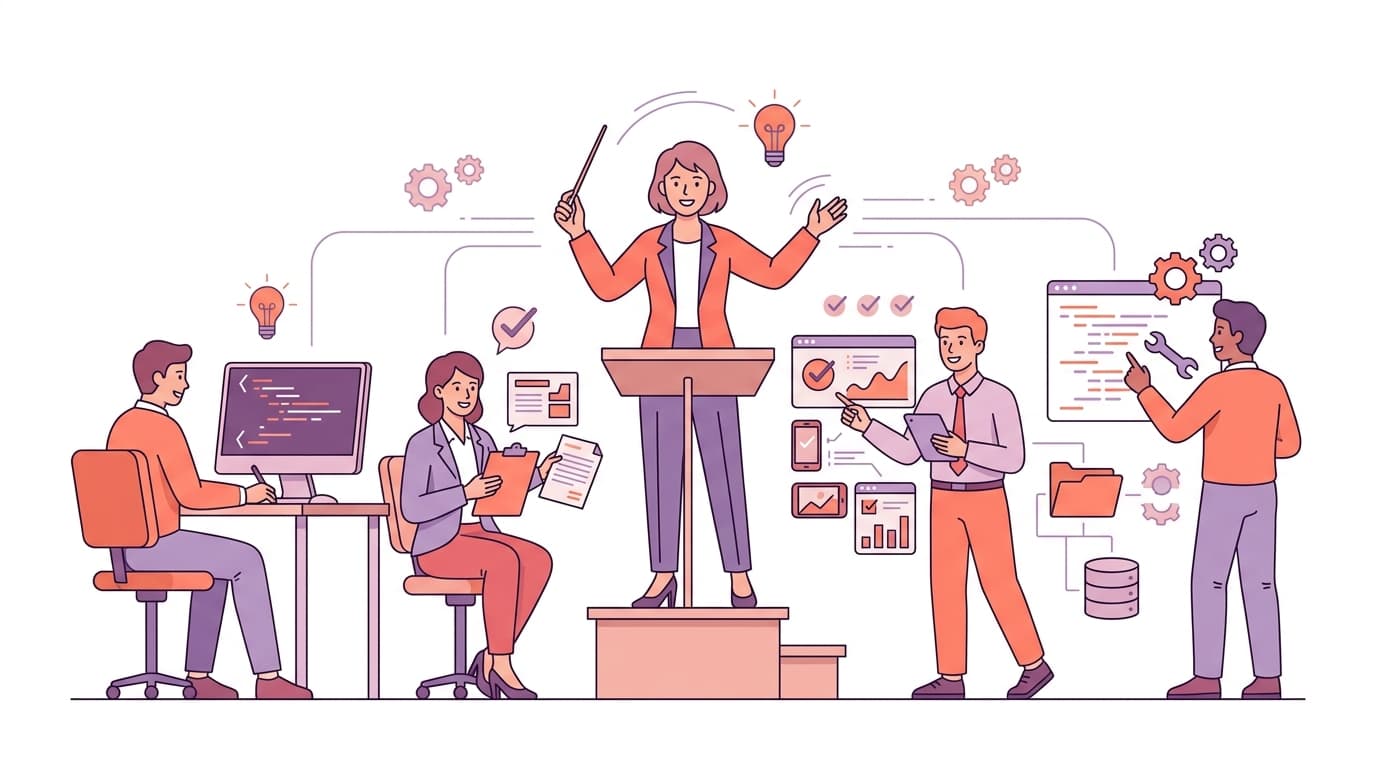
Now, let's talk about something different from the frameworks above. Everything I've covered so far — OpenSpec, Spec-Kit, BMAD, Superpowers — gives your AI agent methodology and structure. But what if you want to go a step further and orchestrate multiple specialized agents working as a team?
That's what ClaudeKit does. And it deserves its own section because it's solving a fundamentally different problem.
ClaudeKit is an engineer kit for Claude Code that provides 15+ specialized agents and 66+ skills designed for professional software development workflows. Where Superpowers teaches your single agent discipline, ClaudeKit gives you an entire team of purpose-built agents that can work together.
The agents aren't generic. Each one has a specific job:
The Planner agent handles research, analysis, and implementation planning before any code is written. The Fullstack Developer agent executes implementation phases with strict file ownership — it knows which files it's responsible for and doesn't touch anything else. The Debugger agent does root cause analysis, log investigation, and issue diagnosis with a structured methodology. The Tester agent handles test execution, coverage analysis, and quality validation. The Code Reviewer agent performs security audits, performance analysis, and code quality checks. The Code Simplifier agent does autonomous code refinement for clarity and maintainability.
Beyond dev roles: the Docs Manager handles technical documentation and API docs. The Project Manager agent tracks progress and coordinates cross-agent work. The Git Manager handles conventional commits, security scanning, and token-optimized operations. The UI/UX Designer creates responsive layouts. The Brainstormer challenges assumptions and debates decisions. The Researcher does multi-source research and documentation analysis.
The orchestration is what makes it powerful. Agents don't work in isolation — they hand off to each other in chains:
planner → fullstack-developer → tester → code-reviewer → git-managerEach agent receives the previous agent's output, performs its task, and passes results forward. This is the agent communication pattern described in Anthropic's context engineering guide — structured handoffs with context isolation between steps.
The team skill (/ck:team) is particularly interesting for larger tasks. It spawns independent Claude Code sessions as teammates, each with their own context window, task ownership, and cross-session memory. You can run parallel workstreams — one agent working on the API, another on the UI, a third on database migrations — all coordinated through a shared task list with event-driven monitoring.
The skill system is comprehensive. Beyond the agents, ClaudeKit includes skills for specific tasks: brainstorm for ideation, plan for structured planning, debug for investigation, test for validation, code-review for quality checks, scout for codebase exploration, git for version control workflows, and many more. Each skill is a well-crafted prompt template that loads context-specific instructions.
Worth knowing: ClaudeKit is a paid product. This isn't a free open-source framework — it's a commercial toolkit built for professional teams. The quality reflects that investment. If you want to try it, use this link for 20% off your first purchase. I use it daily and the agent orchestration alone has been worth the investment — especially the Code Reviewer and Planner agents, which catch issues I'd otherwise miss in manual review.
Where ClaudeKit fits in the ecosystem: It's not a replacement for Superpowers or OpenSpec. Think of it as a different layer. Superpowers gives your agent methodology (how to brainstorm, plan, and code with discipline). ClaudeKit gives you specialization and orchestration (multiple purpose-built agents working in coordination). You can absolutely use both — Superpowers for the development methodology, ClaudeKit for the team orchestration and specialized agents.
The Decision Matrix
Cut through the noise:
- Solo dev, want instant impact — AGENTS.md + Superpowers → Plug and play methodology, works in any IDE
- Small team, lightweight process — OpenSpec + your IDE of choice → Spec deltas in PRs, minimal learning curve
- Enterprise / regulated client — Spec-Kit + established IDE → Phase gates, constitution, compliance-friendly
- Team wanting agile simulation — BMAD Method → Named persona agents, sprint workflows
- Claude Code power user — ClaudeKit → 15+ specialized agents, team orchestration, 66+ skills
- "I just want my AI to stop being stupid" — Superpowers → Literally plug it in and your agent gets disciplined
- IDE-agnostic, need one standard — AGENTS.md everywhere → Works across Cursor, Copilot, Zed, OpenCode
Can You Combine Them?
Yes, but be intentional. Pick one planning framework, one IDE, and layer additional tools as needed. Some combinations that work well:
- Superpowers + ClaudeKit — Superpowers for methodology, ClaudeKit for agent specialization and orchestration
- OpenSpec + Superpowers — OpenSpec for spec management, Superpowers for execution discipline
- Spec-Kit + ClaudeKit — Spec-Kit for governance and planning, ClaudeKit for multi-agent implementation
What doesn't work: installing OpenSpec, Spec-Kit, and BMAD simultaneously and having three different planning systems fighting for your AI's attention. That's worse than having none.
We've covered the tools. But here's the uncomfortable question nobody's asking: once your AI writes code — is it actually secure? Does it introduce vulnerabilities through dependencies you never audited? The next post covers the complete lifecycle: brainstorm, plan, code, validate, and the security step that most AI workflows completely skip.
Next up: Part 5 — Your AI Just Introduced a CVE And Nobody Noticed — why "brainstorm first, code second" isn't optional, and how to catch vulnerabilities before they ship.
This is Part 4 of the "Context Engineering in 2026" series. Read Part 1 → | Read Part 2 → | Read Part 3 →