Give your AI a context file
Set up a context file (CLAUDE.md, Cursor rules, Copilot instructions, AGENTS.md) so your AI stops guessing your stack, and keep it current.
Part 2 of 6 in the “Context Engineering in 2026” series
A context seed is a short file in your project root that tells your AI coding assistant how this project works. Ten minutes of setup stops the AI from guessing your stack, and a simple loop of documenting wins and failures makes the file better every week. This post covers the file name for each major tool, what to put inside, and how to keep several projects apart.
Part 1 showed why your AI forgets your project when a session ends. This part sets up the file that carries your project across sessions.
What a context seed is
A context seed is a file (or set of files) in your project root that tells your AI assistant how to behave in this project. Picture a very smart collaborator who joins your team fresh every morning with no memory of yesterday. The seed is their cheat sheet, so keep it short.
The file name depends on your tool:
- Claude Code reads
CLAUDE.md, Anthropic's native format. It supports three tiers: a global~/.claude/CLAUDE.mdfor your personal standards, a project-rootCLAUDE.mdfor project context, and subdirectoryCLAUDE.mdfiles for module rules. ACLAUDE.mdcan pull in other files with@path/to/fileimports (up to four hops deep), and.claude/rules/*.mdfiles can carry apaths:glob so they load only when Claude touches matching files (memory docs). The docs advise under 200 lines per file. If a repo has anAGENTS.mdand noCLAUDE.md, Claude Code reads theAGENTS.mddirectly. - Cursor keeps project rules in
.cursor/rules/, one.mdcfile per rule, withdescription,globs, andalwaysApplyin the frontmatter. A plain.mdfile in that folder is ignored. A rule can be Always Apply, Apply Intelligently (the agent reads the description and decides), Apply to Specific Files (glob match), or Apply Manually via an@mention. The old single.cursorrulesfile no longer appears in the current rules docs, which recommend rules under 500 lines. - Windsurf (now owned by Cognition AI) keeps workspace rules in
.windsurf/rules/(a.devin/rules/folder takes precedence), each with atriggerofalways_on,model_decision,glob, ormanual, capped at 12,000 characters per file (Windsurf docs). - GitHub Copilot uses
.github/copilot-instructions.mdfor the whole repository and.github/instructions/NAME.instructions.mdfiles with anapplyToglob for specific paths. It also readsAGENTS.md,CLAUDE.md, andGEMINI.md, and supports personal and organization instructions, with personal ones winning on conflict (GitHub docs). - Gemini CLI reads
GEMINI.mdfrom~/.gemini/, from your project (searching up to the.gitfolder), and from subdirectories. It supports@file.mdimports, and acontext.fileNamesetting lets it readAGENTS.mdinstead (Gemini CLI docs). - Codex reads
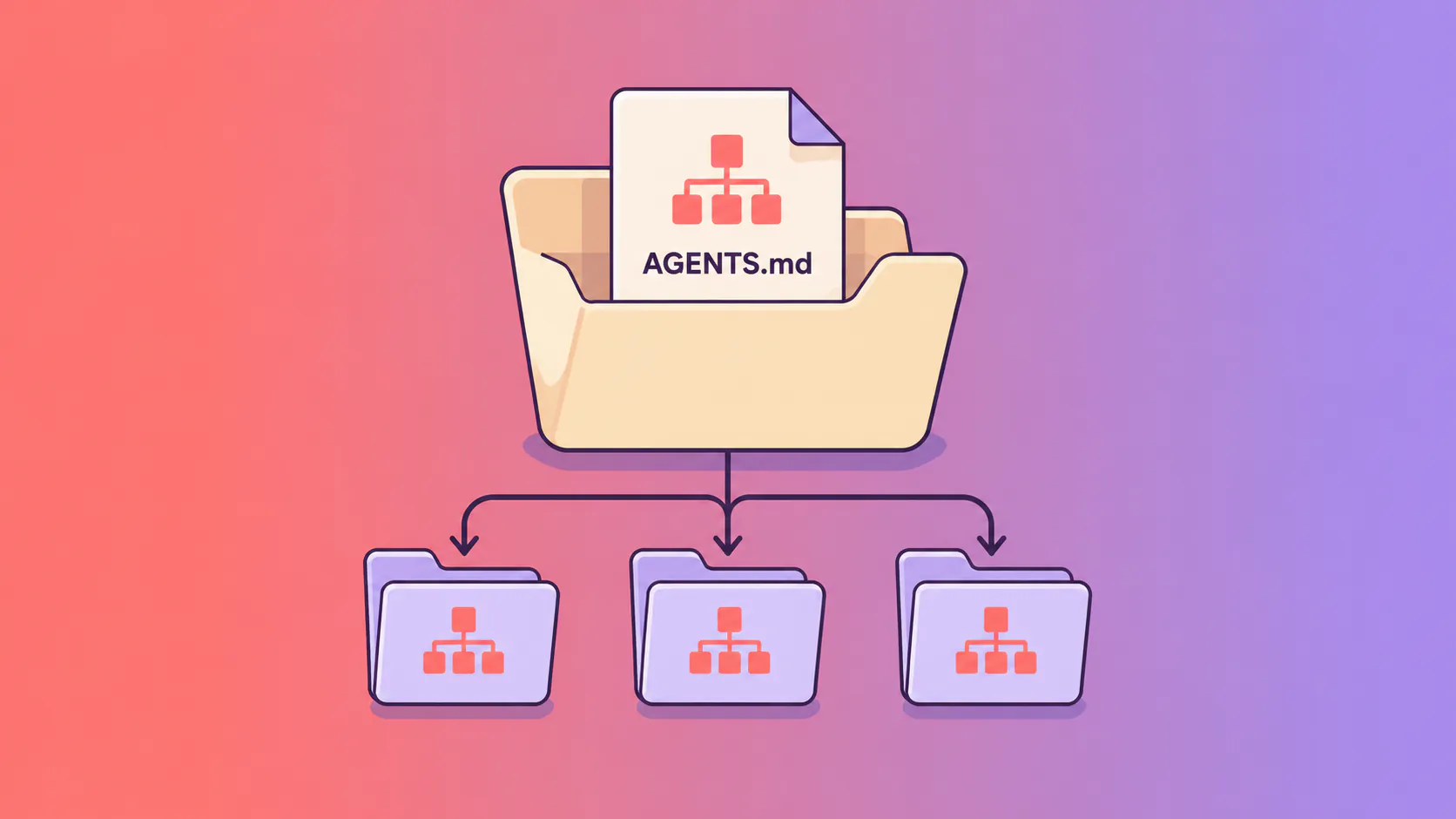
AGENTS.md: a global~/.codex/AGENTS.md, then every file from the Git root down to your working directory, with closer files overriding earlier ones.AGENTS.override.mdwins at any level, and the size cap is 32 KiB by default (Codex docs). - AGENTS.md is the cross-tool standard, essentially a "README for robots." agents.md lists more than twenty supporting tools, including Codex, Cursor, GitHub Copilot, Gemini CLI, Windsurf, and Zed. The nearest file to the one being edited wins. If you want one file that works everywhere, start here.
Glob pattern — a wildcard path match such as
src/**/*.ts, used to pick which files a rule applies to.
Share one file across tools
If your team mixes tools, keep the shared facts in AGENTS.md. A CLAUDE.md next to it can import the file and add anything Claude-specific below:
@AGENTS.md

### Claude Code only
- Use plan mode for any change that touches more than three files.
Gemini CLI needs no extra file: set context.fileName to include AGENTS.md. Prefer the import over a symlink, because Windows clones may check a symlink out as plain text.
What to put in your seed file
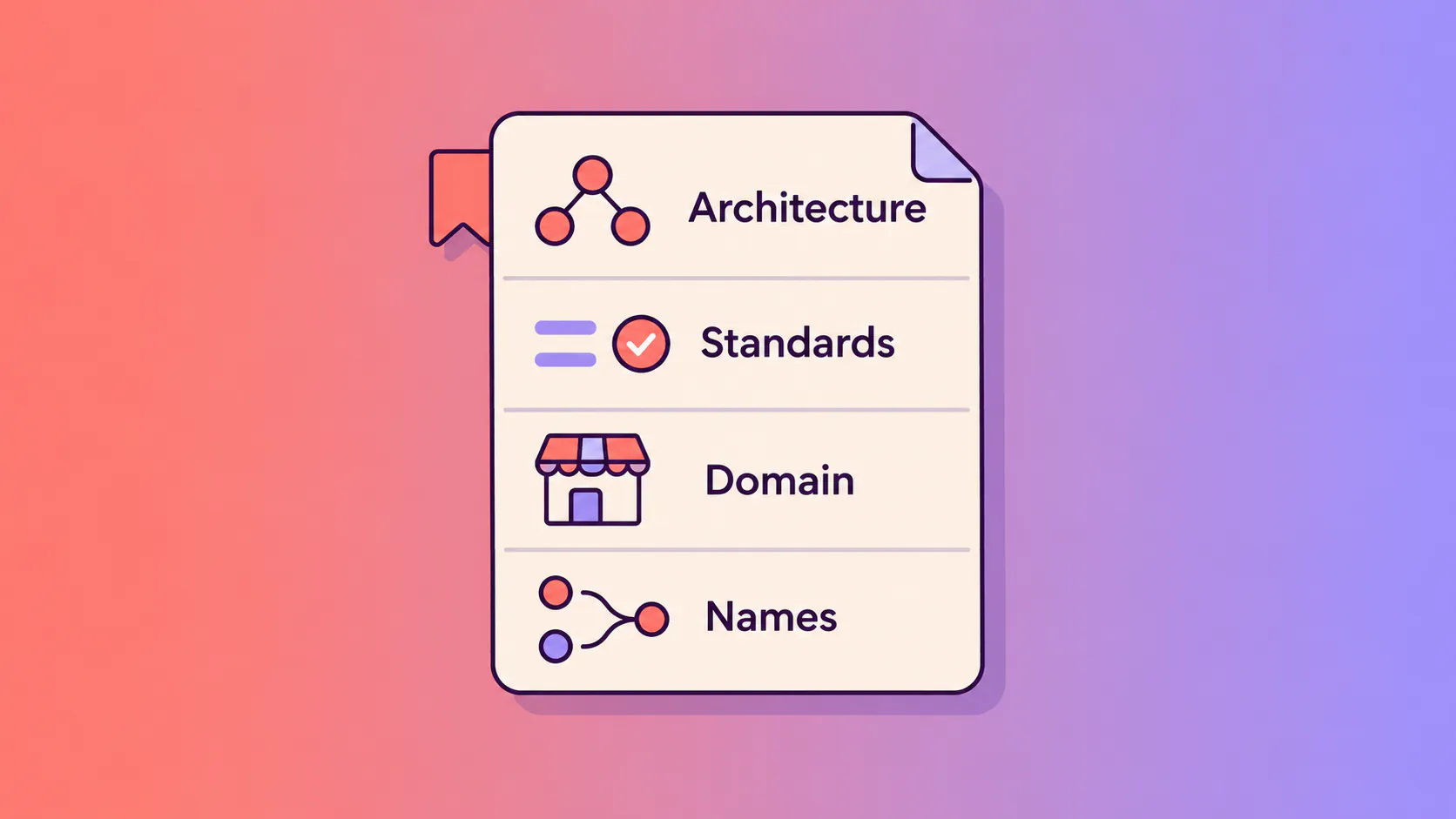
Include high-signal information: facts that cause wrong or generic output when the AI lacks them. Aim for the minimum context that prevents the most common mistakes. Four kinds of content earn their place.
Architecture patterns stop the AI from adding Redux to a Zustand project or writing a REST endpoint when your API is tRPC.
### Architecture
- Monorepo with pnpm workspaces: packages/ui, packages/api, apps/web
- API: tRPC router with Zod schemas, NOT REST
- State management: Zustand stores, NOT Redux
Coding standards cover which libraries you use and, more important, which ones the AI should never suggest. Be explicit about the "not", because negative instructions are some of the most effective tokens you can spend.
### Standards
- Validation: Zod (never Yup, never Joi)
- Styling: Tailwind utility classes, no CSS modules
- Testing: Vitest + Testing Library
- Error handling: Result pattern (neverthrow), no try-catch in business logic
Business domain context is underrated. When your project says "Revenue", does that mean gross, net, or ARR (annual recurring revenue)? Write down your domain's definitions so the AI does not assume.
### Domain
- "Merchant" = our client (B2B), not the end consumer
- Prices are stored in cents (integer), displayed in dollars (formatted)
Entity resolution matters when one service goes by several names. The Jira project is "Payments", the repo is pay-svc, and the team calls it "the money thing". Map them, or the AI creates duplicate implementations.
### Entity Map
- "Payments" (Jira) = pay-svc (repo) = "the money thing" (team)
Add a short Commands block (dev server, test, typecheck) so the AI can verify its own work, and skip anything it can read from package.json or the folder tree.
The flywheel that improves your seed
Update the seed as you work. The loop has five steps:
- You work with the AI and it produces something good, such as a pattern or test structure you like.
- You write that success into the seed: "When writing API handlers, follow this pattern: [example]."
- You work with the AI and it produces something bad, such as a library that conflicts with your architecture.
- You write that failure into the seed: "NEVER use [pattern] because [reason]."
- The seed gets richer, the AI gets better, and you repeat.
Each pass through this loop (the context flywheel) moves the seed from a cheat sheet toward a project constitution. Teams that run it for 3-4 months report AI-generated code arriving 40-60% more compliant with project standards.
Maintain the seed as carefully as your build scripts, because every session depends on it.
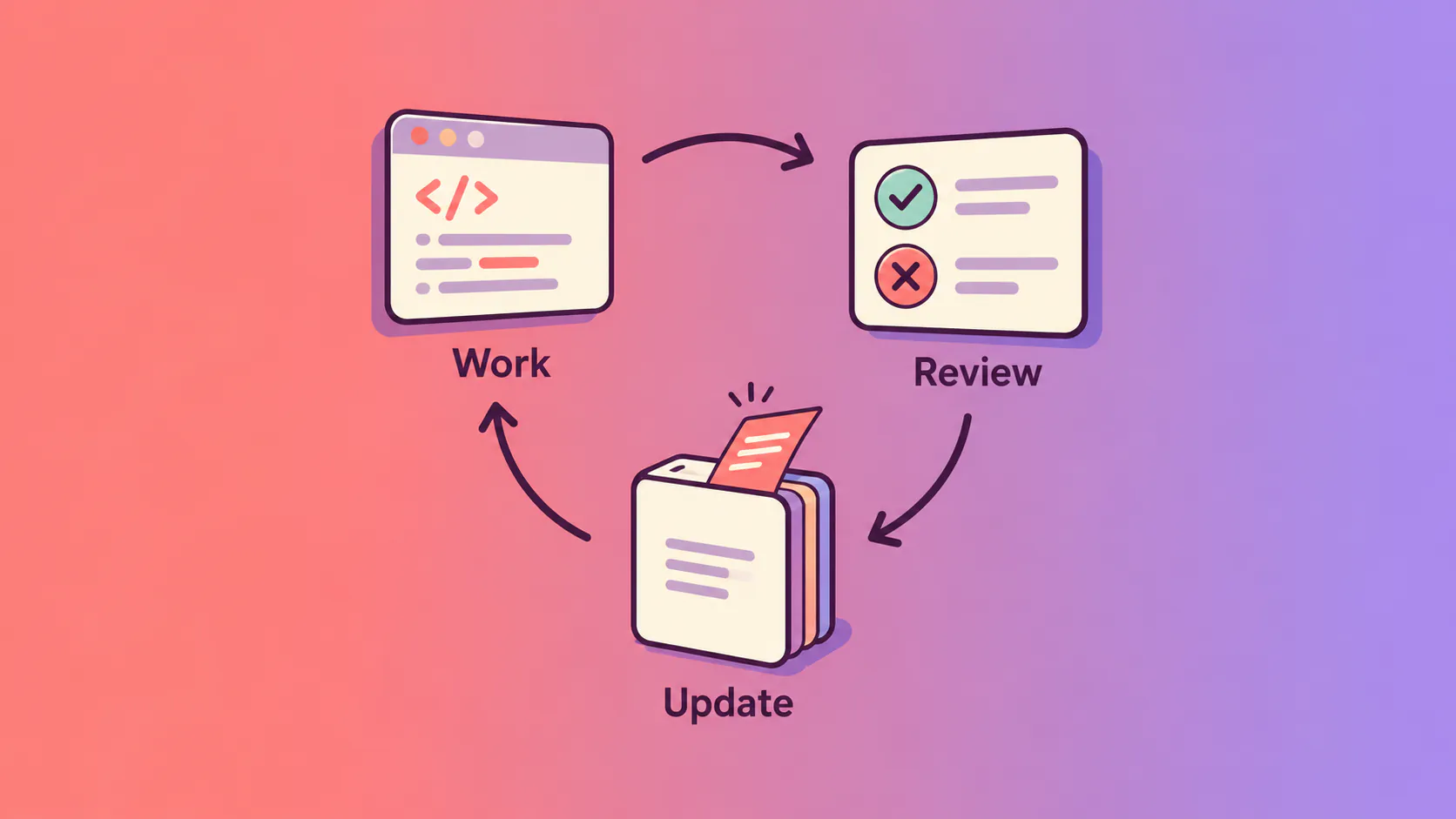
On a team, the seed needs owners. A developer who fixes the same AI mistake twice adds the rule. The PR author updates the seed when a change alters a command, library, or folder layout, and the reviewer turns a repeated review comment into a seed rule.
Once a month, the maintainer deletes rules the AI follows unprompted, rules about removed libraries, and contradictions. If you work alone, you hold all these roles, so put the monthly prune in your calendar.
Keep multiple projects separate
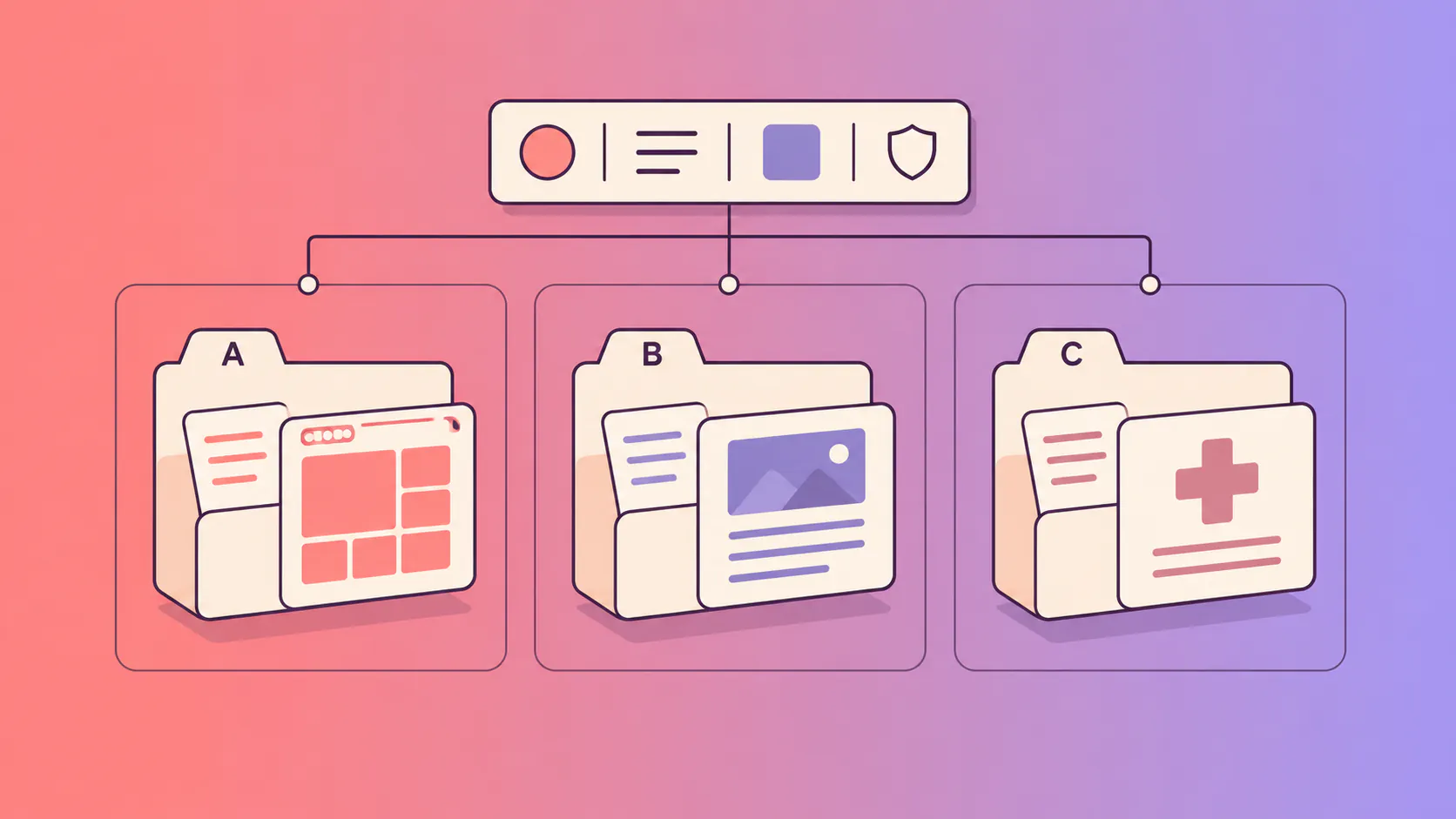
If you juggle two or three client projects, one project's context can leak into another. Give each project its own seed file. Client A's React codebase should not shape suggestions in Client B's WordPress project.
The tools already work this way. Your CLAUDE.md lives in the project root, so when you cd into another project, Claude Code reads that project's file instead. The same holds for .cursor/rules/ and .github/copilot-instructions.md.
The weak point is you. You will paste a pattern from one project into another project's session without thinking. Run one clearly labeled terminal per project, and start a new session when you switch (/clear helps in Claude Code).
If you copy the same standards into every project, move them to the global layer: ~/.claude/CLAUDE.md in Claude Code, personal instructions in Copilot. Project seed files then hold only what is unique to that project.
Add Superpowers (or any similar) for methodology
A passive seed file tells the AI what your project looks like. For active methodology enforcement, look at Superpowers, an agentic skills framework (295K+ GitHub stars) that gives Claude Code, Cursor, Codex, Gemini CLI, and GitHub Copilot CLI a structured workflow as composable "skills."
Start talking about a feature and the brainstorming skill asks clarifying questions and writes a design document for your approval before any code. Approve it and the planning skill breaks the work into small tasks. Say "go" and the subagent-driven development process starts, with TDD (test-driven development), code review, and verification.
Subagent — a separate AI worker that the main agent hands one task to, so each task gets a clean context.
Anti-patterns that waste tokens
Context overload means pasting whole files, full chat histories, and complete documentation into a conversation. The AI's attention is finite. Be surgical.
Premium models for everything wastes budget. Use Haiku or Sonnet for simple tasks and save Opus for architecture decisions and novel problems.
Limits of a seed file
Growth is the first failure. After every incident someone adds a paragraph, and in a few months the file is 600 lines. The Claude Code docs say longer files reduce adherence, and imported files also load at launch. The fix is to cut, then move directory-specific rules into scoped files. Staleness is the second: the team moves from Jest to Vitest, the seed still says Jest, and the AI writes tests for a runner that is gone.
Skip the seed for throwaway scripts. And do not use it for rules that must never break, because the Claude Code docs say the file is context, not enforced configuration. For "never touch these files", use a hook, a permission rule, a linter, or CI.
Without a seed file, your AI re-learns your project every session and falls back on generic habits. With one, review comments drop and every later session starts from what you already decided.
Next up: Part 3 — Context engineering needs the whole team — how product managers, testers, and solution architects add their own context to the project.