Why your AI forgets your project
AI assistants lose your stack and past decisions when a session ends. Context engineering fixes that, starting with a file you can create today.
Part 1 of 6 in the “Context Engineering in 2026” series
AI assistants forget your stack, standards, and past decisions when a session ends, so you re-explain them every day. Context engineering fixes this by keeping that knowledge in files the AI reads every time, because most AI failures are context failures. This part defines the idea, shows its three layers, and ends with a twelve-line file you can create today.
It's 11:17 PM. You open Claude Code and type:
"We're using Next.js 16 with the App Router, Tailwind CSS, our API uses tRPC with Zod validation, we're in a pnpm monorepo, the auth is handled by NextAuth with a custom adapter, and the database is PostgreSQL with Drizzle ORM. The component library is shadcn/ui. Please don't use the pages router. Also, we use conventional commits."
You've typed this paragraph, or something close, every day this week, and your AI assistant still doesn't remember your project.
That habit is prompt engineering: writing a good request from scratch each time. The alternative, context engineering, is like sending a friend your address once instead of giving directions on every visit. (The analogy has one limit: a friend calls to ask when the address is vague, and an AI usually guesses.)
Most AI failures are context failures
The model is capable. What it gets is poor context, no context, or the same context on repeat.
The term gained traction in mid-2025, when Shopify CEO Tobi Lütke posted that he preferred "context engineering" over "prompt engineering" because it better described the core skill: providing all the context needed for the task to be plausibly solvable by the LLM (large language model). Andrej Karpathy backed the idea and compared the LLM's context window to RAM (random access memory).
Context window — the amount of text a model can read and keep in mind at once.
Like RAM, it is finite, so you manage it deliberately.
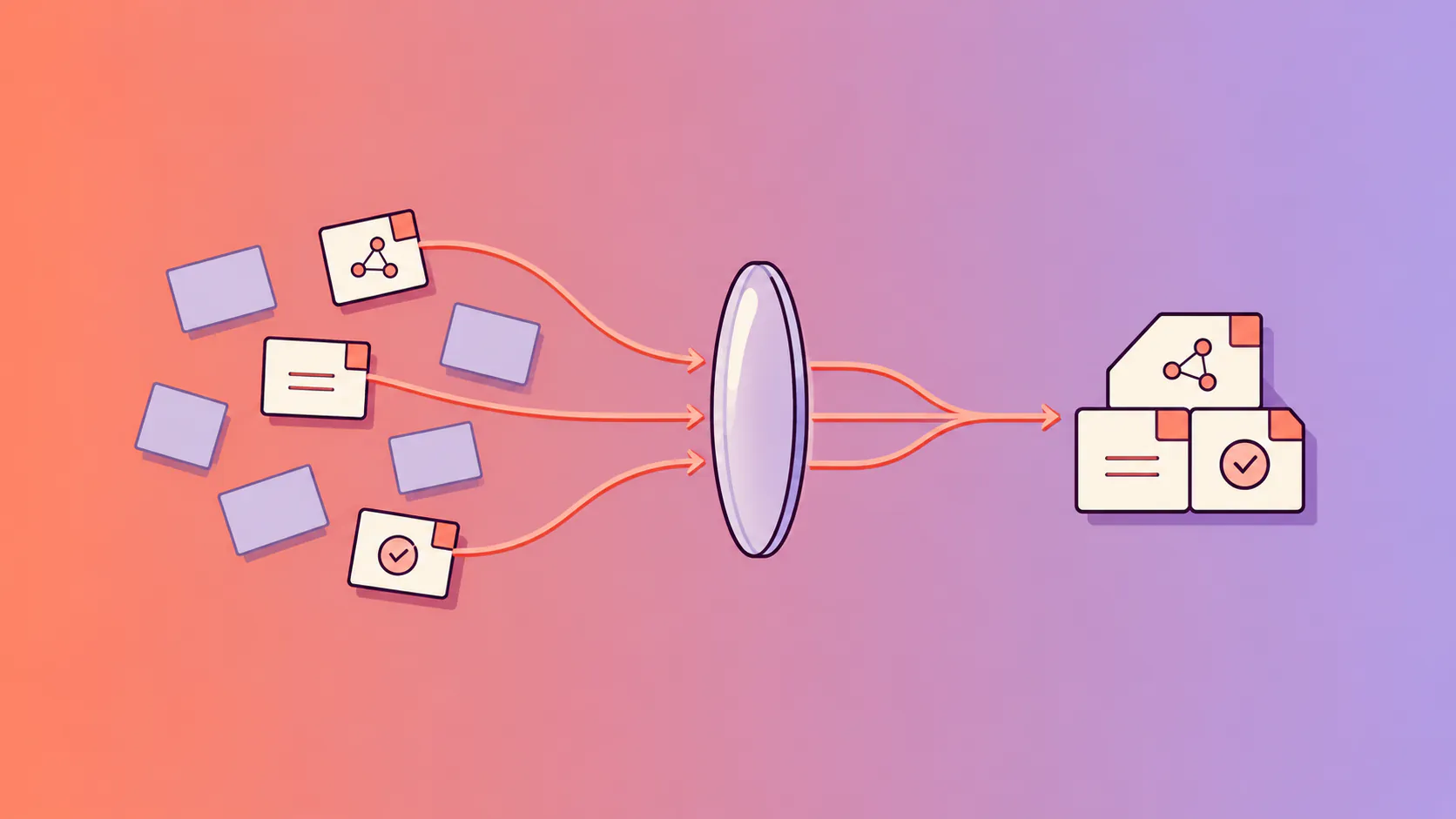
What context engineering is
Context engineering is the practice of systematically managing the information around your AI interactions, so the AI produces project-specific output without you re-explaining your codebase each time.
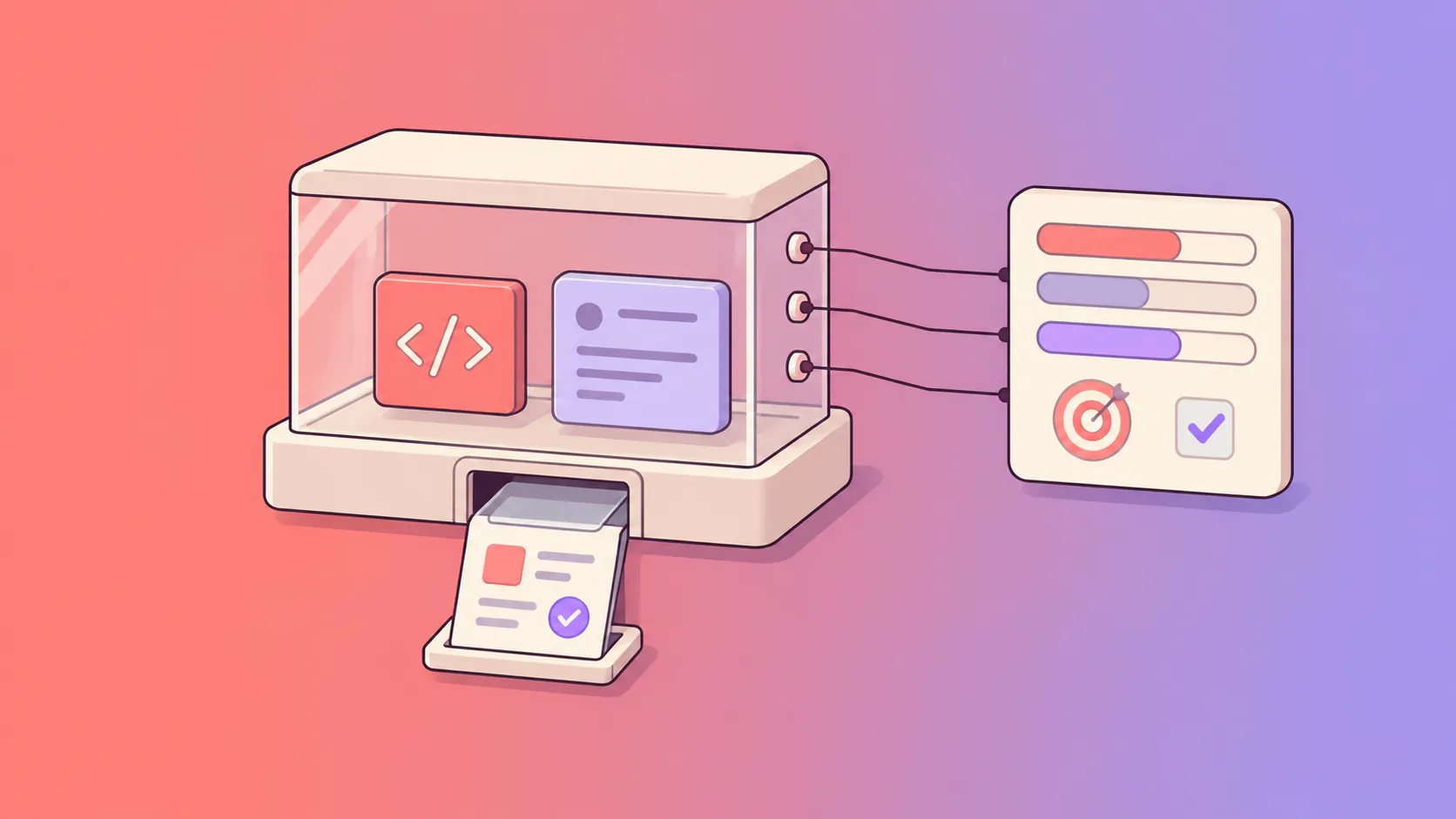
Three types of context matter:
Persistent context is what is always true about your project: architecture, tech stack, coding standards, business rules. It changes slowly, maybe once a quarter.
Episodic context is the project's history: decisions made, bugs found, and why each architectural choice was made. It is what a new developer absorbs from wiki pages and Slack threads in their first week.
Transient context is the current task: the ticket, the code in front of you, the failing test. Most people think of it as "the prompt", but without the other two layers the AI is improvising.
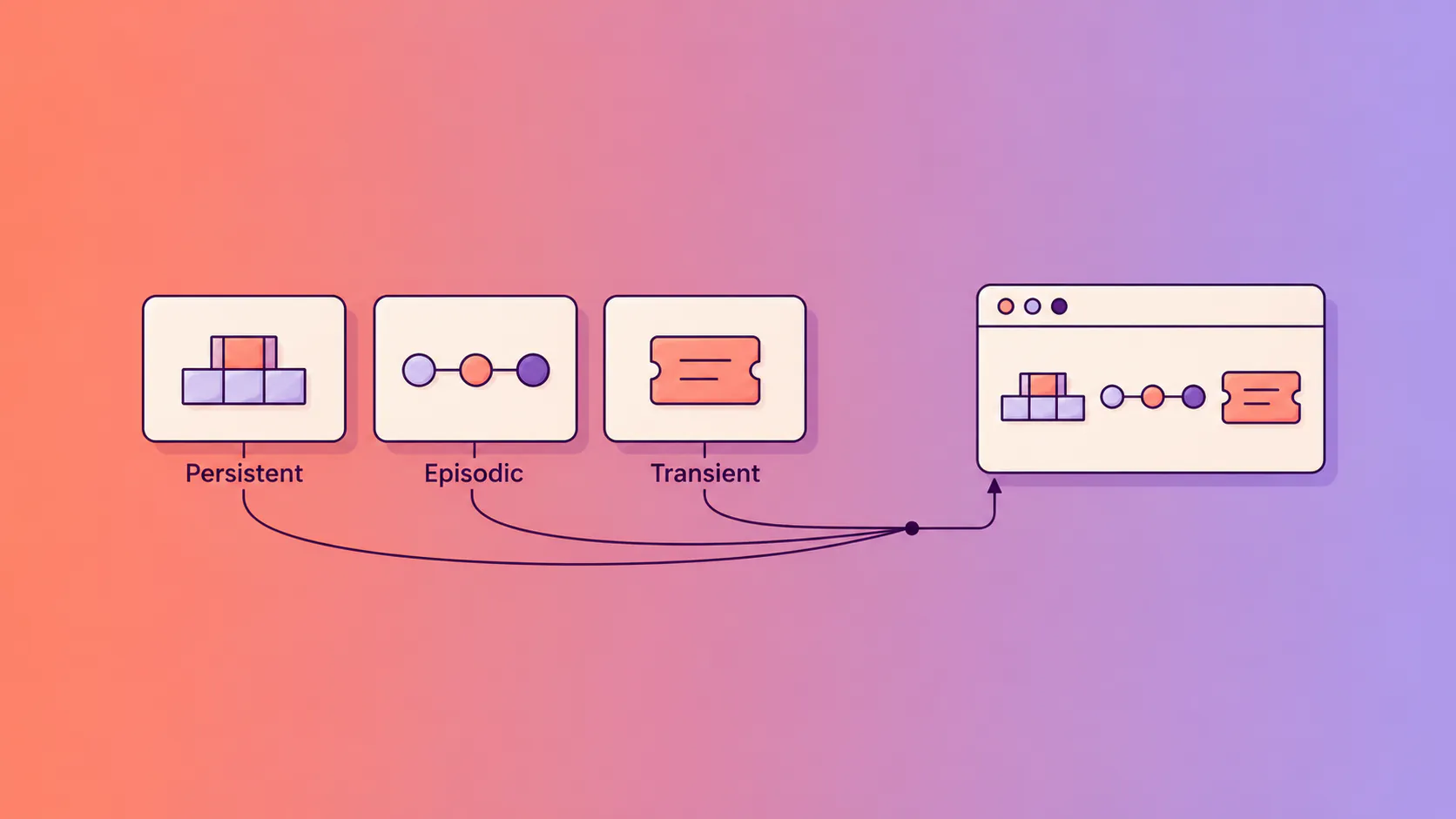
What a session remembers
A session remembers only what sits inside its context window. Current Claude models have a window of up to 1M tokens, and Claude Sonnet 4.5 has 200K. When the conversation ends, the window is gone.
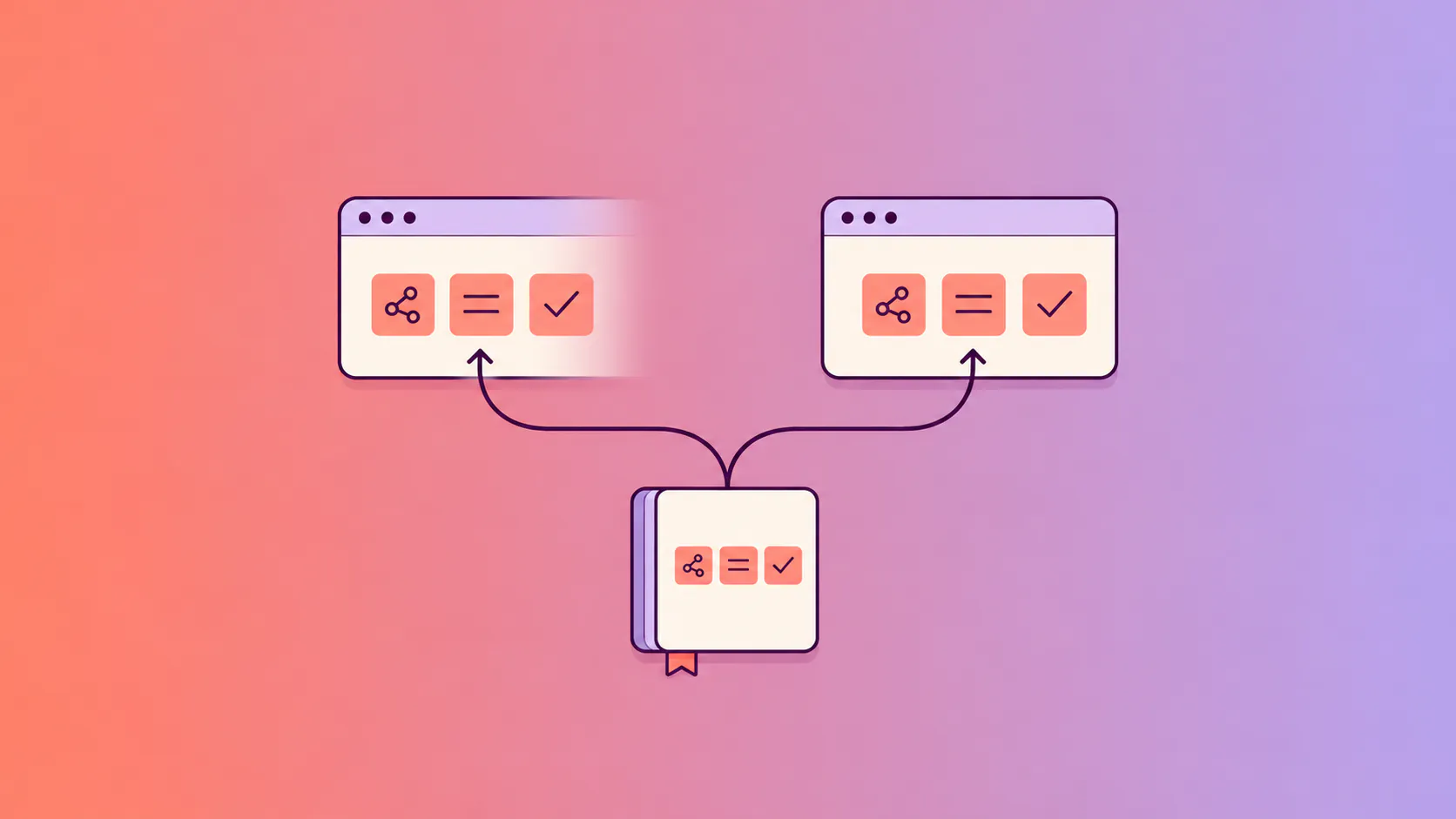
Claude Code makes this explicit: each session begins with a fresh context window, and two mechanisms carry knowledge across sessions. CLAUDE.md is a file you write, loaded at the start of every session. Auto memory holds notes Claude writes about your corrections, and the first 200 lines or 25KB load each session. Claude treats both as context, not enforced rules, so short, specific instructions work best.
Claude Code can also read AGENTS.md (version 2.1.277 or later), but by default only when your project has no CLAUDE.md. To use both, add the line @AGENTS.md to CLAUDE.md.
Why a bigger window does not fix this
The objection is reasonable: with a million tokens, why not keep one long conversation? For a single long task, a larger window is a real gain.
Two problems remain. The window still empties when the session ends, so tomorrow starts blank. And more is not automatically better: Anthropic's docs warn that accuracy and recall degrade as token count grows, an effect called context rot.
Shift from doing to directing
Context engineering moves your job from execution (writing the code, fixing the bugs) to curating the context and checking the output. The best prompt templates won't help if you still think like an executor or haven't built your context.
Teams that made this shift report 30-50% time savings on mid-sized features (2-3 API endpoints, 3-4 UI screens). The savings come from effort moving from writing to reviewing and refining.
Why this series covers teams
Most context engineering content comes from tool vendors or personal workflows. Little of it covers a real team, where the product manager needs sprint summaries, testers need test scenarios, and the developer wants the AI to stop suggesting the pages router after being told 47 times.
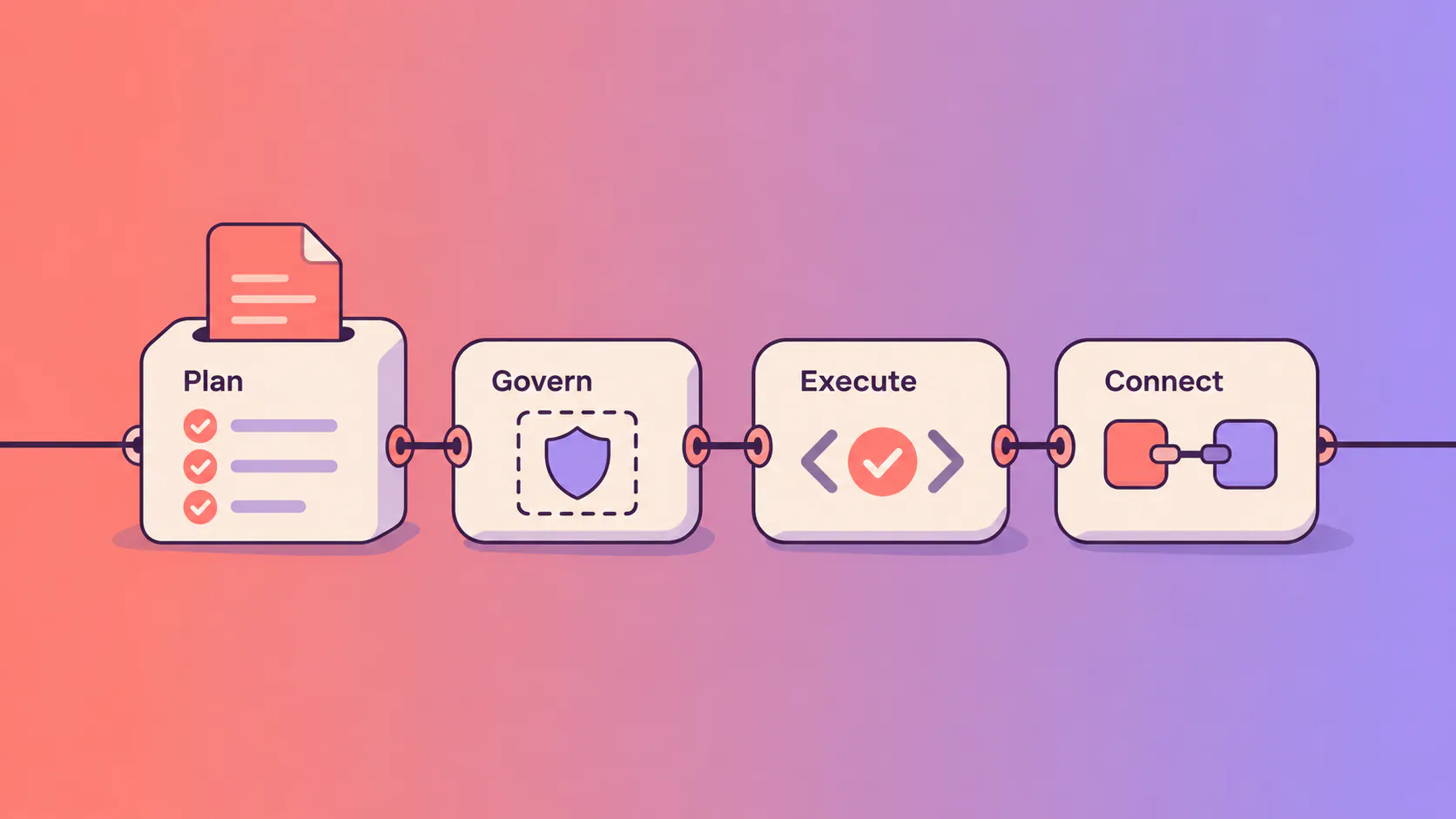
This series has six parts:
Part 2 — the solo developer's starter kit for Claude Code, Cursor, Windsurf, and Copilot.
Part 3 — how product managers, testers, and architects contribute to context engineering.
Part 4 — a comparison of the frameworks (OpenSpec, Spec-Kit, BMAD Method, Superpowers, AgentKit (formerly ClaudeKit)).
Part 5 — the complete lifecycle: brainstorm, plan, implement, validate, and the security step most workflows skip.
Part 6 — harness engineering: validating that your context engineering works.
Create a context seed file
Before you read another part, create a context seed file in your project root. Name it CLAUDE.md for Claude Code, .cursor/rules/project.mdc for Cursor, or .github/copilot-instructions.md for Copilot. For one file across tools, use AGENTS.md, an open format that Copilot, Cursor, Codex and others read. This twelve-line template will improve your next session:
### Project Context

#### Tech Stack
- [Your framework] with [your key libraries]
- [Your package manager] monorepo/workspace structure
- [Your database] with [your ORM]

#### Coding Standards
- [Your preferred patterns, e.g. "functional components only"]
- [Your naming convention]
- [What NOT to do, e.g. "never use the pages router"]

#### Business Context
- [One sentence about what this project does]
- [One sentence about who the users are]
Fill it in, open a new session, and ask for something. Compare the result with yesterday's.
Example: the cost of re-explaining
The 11:17 PM paragraph above is about 55 words, roughly 100 tokens. The numbers below are illustrative, not measured.
- Token cost: 100 tokens at Claude Sonnet 5.5's $2 per million input tokens is $0.0002 per session. Money is not the problem.
- Time cost: two minutes to retype it, three sessions a day, five days a week, 48 weeks, is 1,440 minutes, or 24 hours a year.
The hours cost more than the tokens, and a paragraph typed from memory changes daily.
What to put in, and what to leave out
Anthropic's guidance is to keep each CLAUDE.md under 200 lines, because longer files cost context and reduce adherence. Ask one question of every line: would the AI get this wrong without it?
Put in what it cannot see in the code: stack versions, build and test commands, and deliberate decisions that look odd. Leave out what it can read for itself, such as file listings and linter-enforced style, and anything that changes weekly, like the current sprint.
Review the file whenever you change the stack. A seed file that still says Redux after the code moved to Zustand is worse than none, because the AI follows it. Kept current, it is the address instead of the directions, and the rest of this series builds on it.
Next up: Part 2 — Give your AI a context file — a hands-on guide to setting up context files across AI coding tools and keeping several projects from mixing their context.